

Invoices
Where to find past ResearchCave invoices and what to include if you need billing support.
You can access your past ResearchCave invoices through the ResearchCave Billing portal. It is the place to start when you need to look up an earlier invoice or review your billing records.
Find your invoices
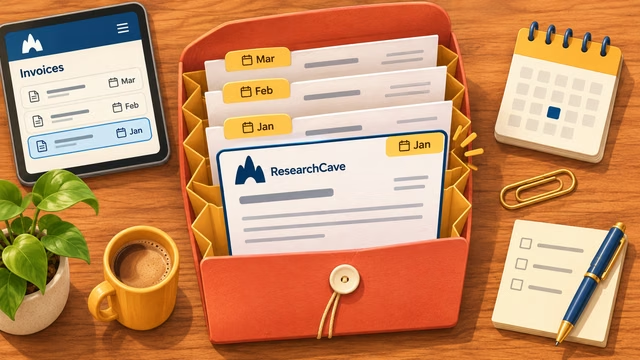
Open the billing portal and sign in with the ResearchCave account associated with the purchase. If you use more than one account, check that you are signed in to the one used for the transaction you are looking for.
Review the invoices available in the portal and use the details shown there to identify the relevant purchase. Keeping the invoice reference handy can make it easier to discuss a billing question with support.
Need help with an invoice?
If you cannot find an expected invoice or have a question about one, submit a support ticket. Include the invoice reference if available, the relevant service, and the approximate purchase date so we can understand your request.
Do not include your password, authentication codes, or full payment card details in a ticket. For refund or cancellation information, refer to the Refunds article and the current policy linked there.
Was this article helpful?